


Online Banking
Quick Links
CharterNet
CharterNet is our complimentary 24 hour online banking service. That means you can do your banking from your computer or any web enabled device anytime, anywhere you choose.
Just click "Enroll Now" to get started. We will help turn a simple connection to the Internet into a simpler way to bank.
With CharterNet Online Banking You Can:
Check your balance
Transfer money between internal accounts
Account-to-Account transfers with TransferNow! Transfer Now allows you to quickly transfer funds between your bank account(s) at CharterWest Bank and your accounts you hold at other financial institutions. Fees and limitations may apply.
Make loan payments
Set up recurring transfers / payments to take place automatically
Monitor transactions and download history
See the images of your canceled checks
Receive free CharterGreen eStatements / eNotices
Review 24 months of account statements and notices
Download to most versions of Quicken, Microsoft Money, QuickBooks or Excel
Web Connect with Quicken or Quickbooks
Pay your bills (via CheckFree Bill Pay)
Account alerts via email, text message, or secure inbox in online banking (message and data rates may apply)
Send a Secure Email Message
External Transfers
TransferNow
TransferNow allows you to quickly transfer funds between your account(s) at CharterWest Bank and your accounts at other financial institutions. With TransferNow, you have more flexibility and control over your money. You no longer need to obtain a cashier's check, make cash deposits, or send an outgoing wire to transact business between your financial institutions.
Financing big expenses is a lot less complicated when you can freely access your accounts at other banks. External account transfers are available when you need them from CharterNet Online Banking or the CharterGo Mobile Banking app. It's your money - move it when and where you need it.
Fees and transfer limits may apply.
How do I enroll in TransferNow?:
IMPORTANT: Enrollment in TransferNow and the verification of your external accounts can only be completed via Online Banking. The process will not be successful if you attempt these actions in Mobile Banking.
To begin using Transfer Now, you must first be enrolled in CharterNet Online Banking and authorize your external bank accounts. When you initiate a transfer, you will see what types of accounts are eligible. To add your external accounts:
Log into CharterNet Online Banking. Select "Transfers."
Select "External Transfers."
"Add a new account" and set up transfer authorization using either of the two verification methods: trial deposit verification or real-time account verification. You will need to know the account type, Routing Number, and Account Number to complete this process.
Once your external accounts are verified from CharterNet Online Banking you may conduct transfers from online banking or CharterGo Mobile Banking. Funds can only be transferred between accounts with like ownership.
Frequently Asked Questions
Who is eligible for Transfer Now?
CharterNet Online Banking users, only between U.S. bank accounts. Funds can only be transferred between accounts with same ownership.
In order to use CharterWest Bank's Transfer Now feature in online or mobile banking, you must maintain your account in good standing. CharterWest Bank reserves the right to disable this feature at any time.
Which types of accounts are eligible for the TransferNow?
At this time, you can add the following external accounts:
- Checking accounts and savings accounts held at any commercial bank or credit union in the U.S. that are able to accept ACH transfers.
- Investment accounts held at online brokerage firms. We currently have access to most of the nation's largest brokerage companies.
Please note that accounts held at CharterWest Bank will be auto-enabled for this service, this includes loan accounts that you may wish to make payments to from your external accounts. All your other external accounts will require you to complete our simple account ownership verification process.
How does TransferNow work?
Charter West Bank processes account-to-account transfers via the Automated Clearing House (ACH) secure network.
How do I verify my external accounts?
In many cases, we will be able to verify the account automatically through our online account verification process. For other accounts, just follow the trial deposits verification steps.
Online Account Verification: We can often verify the new account immediately via the Internet. To do so, we will ask you to supply the login credentials you use to gain access to the account that you are attempting to add. Your account will be added after successfully logging in. Your login credentials used for this verification are never retained by this service.
Trial Deposit Verification: If online account verification is not available, or if it fails, you will be asked to complete our convenient Trial Deposit Verification process. On receiving your instruction, CharterWest Bank will make one or two deposits into the account you are attempting to add. 2-3 days later you will be able to confirm the amount of the deposits. Once you know the amount of the deposits sent to the account you are adding, by either calling your financial institution or from your online account profile, just return to the External Transfers service, go to Manage Accounts and click on the Verify link next to the appropriate account. You will then be prompted to enter the amounts of the two deposits. If the amounts entered are correct, your external account will be added to the service.
Why do I have to verify my external accounts?
We do everything possible to ensure your security and maintain the integrity of the payments network. The account verification procedures are safeguards that help us make sure that only you can add accounts to this service.
How quickly will my transferred funds appear in my account?
CharterWest Bank offers two transfer options: standard and next-day.
- Standard transfers arrive in the receiving account within three (3) business days. Customers will be eligible for Standard transfers automatically, and will qualify for Next-Day Transfers upon meeting activity and minimum balance thresholds.
- Next-day transfers, limited to qualifying accounts, will arrive in the receiving account on the next business day.
Multiple transfer options can be selected including one-time, recurring, or future-dated transfers.
What if my external account has different ownership, can I still set up the external account?
You must be an owner on the external account(s) and have access to an online profile or transaction history for the account to complete the account verification process.
Can I transfer funds to another person's account using TransferNow?
No, to complete the transfer request, account titles and names need to be the same from institution to institution.
Why can't I set up an external account in Mobile Banking?
External accounts must be set up in CharterNet Online Banking. Once an external account is set up and verified, you may use mobile banking to initiate an external transfer.
What are the dollar limits?
For security reasons, CharterWest Bank has established limits on the amount of funds that can be transferred via Account-to-Account Transfers. We reserve the right to change your dollar limit at any time. If we decrease the dollar limit, we will notify you as required by law, but we may not notify you if we are restricting your transfer limits for security purposes or because of excessive overdrafts to your CharterWest Bank account. A minimum of $10 is required to make an external transfer.
Standard transfers to/from your account are limited to:
- $5,000 per transaction
- $5,000 in aggregate per day
- $10,000 in aggregate per calendar month
Next Day Transfers to/from your account are limited to:
- $2,000 per transaction
- $2,000 in aggregate per day
- $5,000 in aggregate per calendar month
- Additionally, you must satisfy certain balance and account activity criteria before being permitted to make Next Day transfers. We reserve the right to change this criterion at any time.
Is there a fee for TransferNow?
TransferNow is FREE for Standard inbound and outbound transfers as well as Next Day inbound transfers. Next Day outbound transfers are $10 per transfer.
For any additional questions regarding TransferNow requirements, limits, or status please contact 800-872-5147 or your local branch or refer to the Help menu available from the External Transfer interface in Online Banking.

E-Statements
CharterGreen
CharterGreen Paperless Banking is the green option to receiving your account statements and notices. Statements include detailed images of your checks and deposits. Receive your documents sooner than if delivered by mail and reduce your risk of fraud and identity theft. Email notifications inform you when your documents ready. Then log on to your CharterNet Online Banking access to review your documents. Review up to 24 months of documents.
Enroll via your CharterNet Online Banking access:
Login to CharterNet Online Banking by clicking "Account Login" in the menu.
Once inside CharterNet Online Banking, click Profile from the menu in the upper right corner.
From the Profile page, scroll down to the estatements section to enroll today!
Must have a valid email address.
Bill Pay
Bill Pay is a payment service provided in conjunction with CharterNet Online Banking to:
Pay and manage your bills, anywhere, anytime from one convenient location
Receive electronic bills (e-bills) directly to your payment center
Schedule recurring payments
Set up AutoPay
Set up payment reminders
Expedited payment options available (additional fees apply)
Access Bill Pay features from CharterGo Mobile Banking
All backed by the CheckFree Bill Pay Guarantee that your payments are executed safely and reliably. Enroll via your CharterNet Online Banking access today! Select the Bill Payment option from your checking account detail menu.
First three months are FREE! After the introductory period accounts remain free after a minimum of 1 payment per month, there are no transaction limits. A fee of $5.95 is charged if the minimum payments are not met. Fees are assessed on each access that has enabled the Bill Payment service.
Additional charges for optional services and/or transactions may apply and be deducted from your billing account. Fees associated with your standard deposit accounts will continue to apply.
E-Alerts
Receive real-time activity alerts for your accounts. E-Alerts are a fast and convenient way to keep you up-to-date on your account activity. Enjoy peace of mind wherever you go! Monitor account balances and activity, get deposit and withdrawal notifications, control security alerts, reduce fraud, and more. You can choose your preferred delivery methods and alerts based on balances, loans, debit cards, security, transactions, and transfers.
E-Alerts Delivery Methods:
Text Message/SMS (message and data rates my apply)
Online Banking Secure Inbox
Push Notification (from CharterGo Mobile Banking app)
Text Message/SMS alerts will come from the 5-digit code 41952. Email alerts will come from alerts@charterwest.com.
To get started via CharterNet Online Banking (after logging in):
Click the Enroll button to Stay Alert!
Follow the enrollment steps:
How do you want to see your alerts? Setup and activate your email address(es) and/or Mobile Phone Number(s).
Set your alerts and how you want to be notified. Choose the alerts you wish to receive, set the parameters, and pick your delivery method(s).
OR
Click the Alerts menu in the upper right-hand corner:
Click the Contact Options button to setup and activate your email address(es) and/or Mobile Phone Number(s).
Click the Alert Options button to setup the alerts you wish to receive, set the criteria, and pick your delivery method(s).
You may choose to setup the same alert for multiple delivery methods.
To get started via CharterGo Mobile Banking (after logging in):
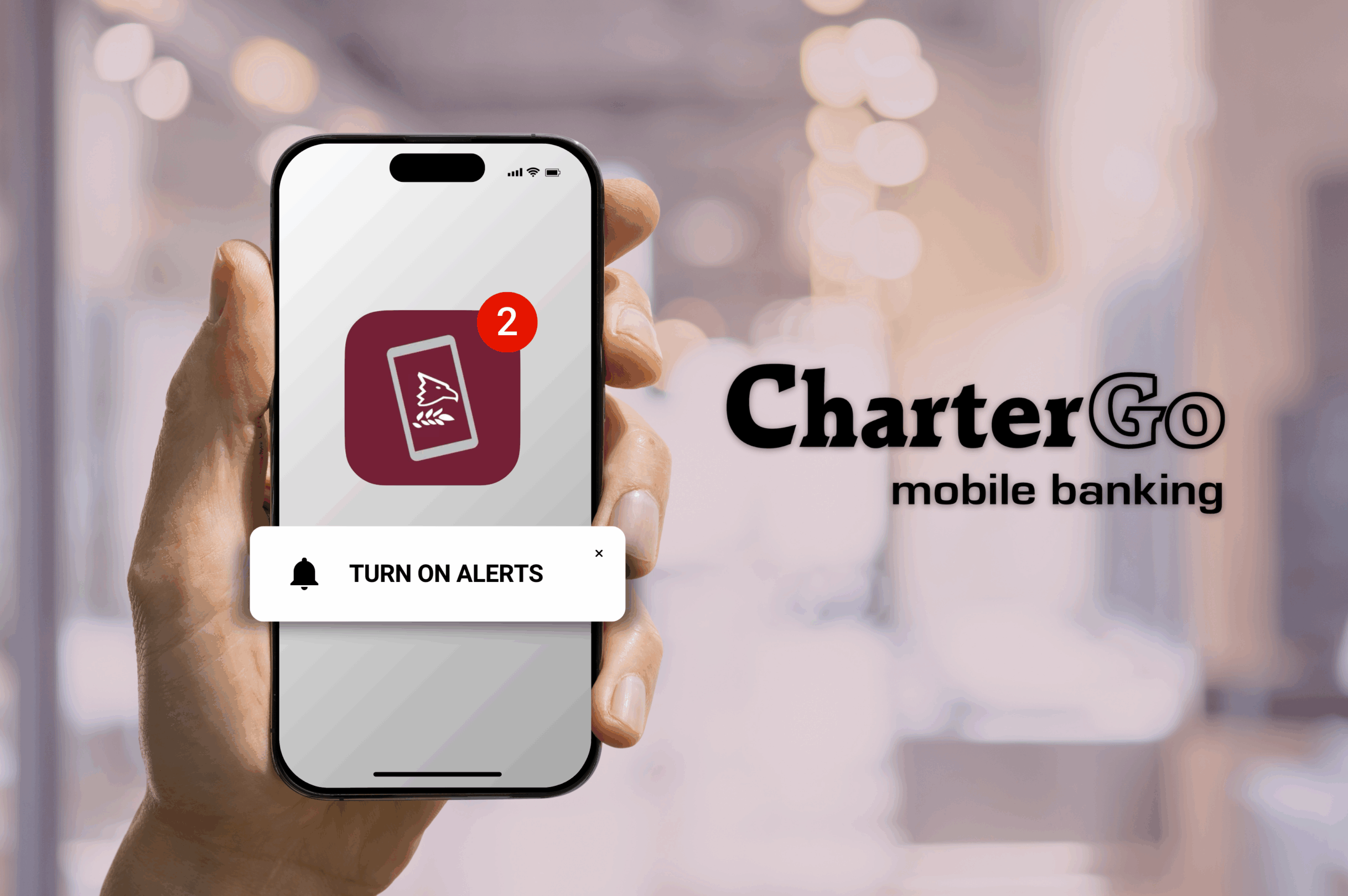
Navigate to the More menu, select Alerts, and turn on Push Notifications. CharterGo will ask for permission to send you notifications. Once Push Notifications are turned on you may setup the alerts you wish to receive via push notification.
Enable Live Updates to keep up to date on the changes to your mobile banking application, including improvements and maintenance.
Fully Secured
These services employ the highest security thanks to multiple layers of authentication, password protection, account masking, internet firewalls, and encryption. The CharterBiz Online Banking website offers a secure connection and data encryption with an SSL certificate, this is recognized by the lock icon in the address bar when visiting CharterBiz Online. You can click the lock icon in the address bar to see more information about the website and certificate. These measures and services ensure that your information is protected.